Plan the week
Build and publish shifts so staff know when they are expected.
Zuno POSAI Design Studio / Zuno Team
Plan shifts, let staff clock in and review their hours. Use Team on its own or with another Zuno POS solution.
30 days free · Use your own devices
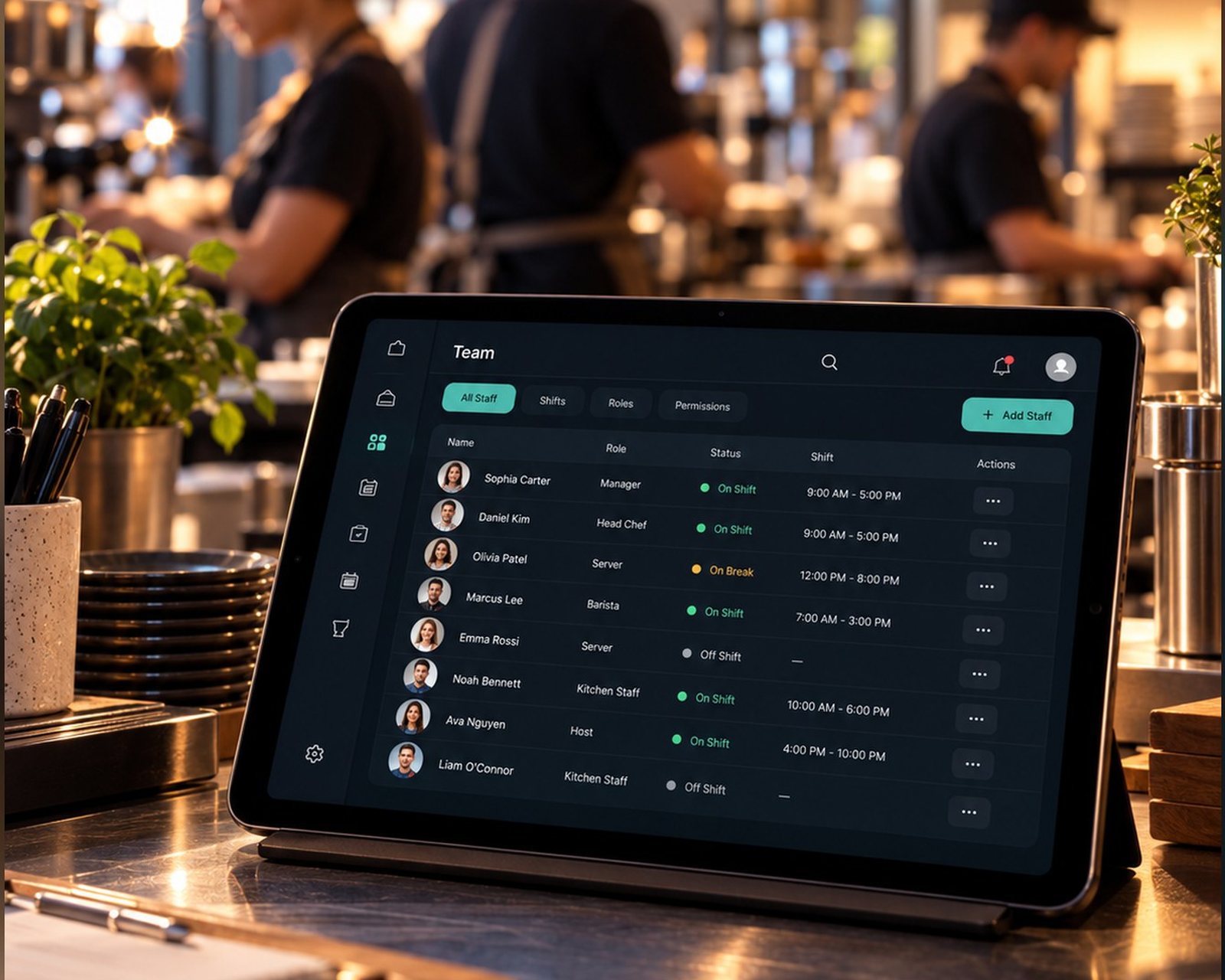
 Zuno Team
Use Zuno your wayOpen in your browser. Mobile downloads will appear here when released.
From the rota to the record
Build and publish shifts so staff know when they are expected.
Use the changing code or QR on the business screen, with the checks you enable.
Compare the rota with worked time. Review flags, corrections and weekly approvals.
From the rota to the clock
On the rota
You stay in control
On their own phone
Checks you choose
Optional check-in zone
Switch on the location check and choose what happens when someone clocks in away from your premises: block it, or let it through with a flag for you to review. With the rota as well, the wrong person or the wrong place does not slip by.
The location check is off until you switch it on. Location is read only at the moment someone clocks in or out.
A glimpse of Zuno Team
Give managers the information to review a shift, rather than guessing from a start and finish time.
For the manager
Who clocked in, when, and whether they were on time against their shift.
Planned hours beside worked hours, with late arrivals, no-shows and missed clock-outs flagged.
Fix a missed clock-out. Every correction keeps its reason and history.
Approve each person's week and see the hours due. Export the hours for payroll.
Explore the details
Set your business location and allowed radius, and save the business internet connection. Checks run at clock-in and clock-out. Choose off, flag or block; this is not continuous location tracking.
The displayed clock-in code changes every 30 seconds. Repeated wrong codes are blocked. Configure the allowed early window and how clock-ins without a shift are handled.
For selected staff, lock the app screen outside a published shift window or while they are not clocked in. Owners and admins retain access. This screen lock is separate from account permissions.
Review planned and worked hours, new-phone or missed-clock-out flags, and timesheets. Make corrections with a reason and history, then approve the week and download hours.
Use Team on its own or as an add-on. It handles staff rotas and time records; Appointments separately handles client bookings and bookable rows.
A little clarity
Use a phone, tablet or computer with a web browser. You do not need a till, receipt printer or card machine to use this solution.
Yes. Your first business gets a 30-day free trial. Additional locations require paid setup. Choose the plan that includes the tools and user limit you need.
Use Log in at the top or bottom of any page. It opens the Zuno app, where you can sign in or create an account.
Plans
Plan shifts and track hours without running a till. Try it free for 30 days.
Loading plans…
Make it your own
Try Zuno free for 30 days. Explore the tools with your own business in mind.
Already using Zuno? Log in to your account