Keep the queue moving
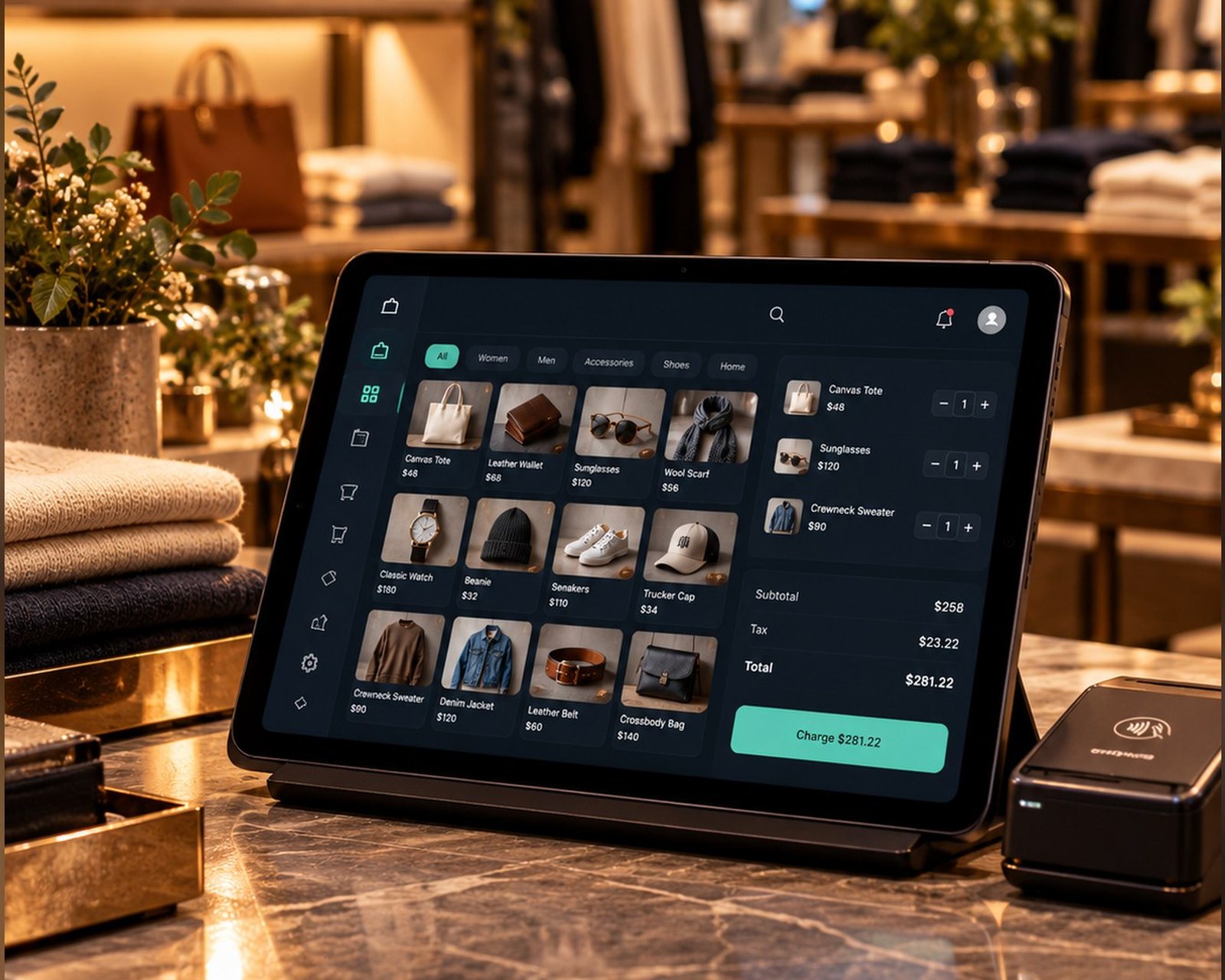
Search a product, scan its barcode or find it by SKU. Save an order and return to it when needed.
Zuno POSAI Design Studio / Zuno Retail
Keep checkout, products, customer balances and the day’s figures together. Less switching between lists.
30 days free · Use your own devices
 Zuno Retail
Use Zuno your wayOpen in your browser. Mobile downloads will appear here when released.
For the everyday counter
Search a product, scan its barcode or find it by SKU. Save an order and return to it when needed.
Manage products, categories and images, with stock history and reorder forecasts.
Keep customer details, spending and balances together. Record payments when they settle later.
A glimpse of Zuno Retail
Products and the current order sit side by side, so your team can focus on the customer.
Shop online
From your link, QR code or website button
Their options
On the Web orders screen
Always in view
Online ordering depends on your plan. Payments go to your own Stripe account.
Explore the details
Organise categories and product photos. Review stock history and reorder forecasts to decide what needs attention.
Review sales, payment methods, top products, expenses and end-of-day totals. Costs, profit, reports and exports follow the permissions and plan you choose.
Keep track of what customers still owe, record later payments and charges, and review business expenses. Give staff separate permission to view, edit, collect or export.
Use individual logins. Choose access to sales, refunds, products, customers, reports and settings. An orders-only restriction can prevent a sales operator taking payment.
Zuno Team is optional and separate. Publish shifts, review worked hours and configure location, network and shift checks. See Zuno Team.
A little clarity
Use any phone, tablet or computer. Bring your own receipt printer and card machine. Zuno does not sell hardware; counter card payments are taken on your own machine and recorded in the app.
Yes. Your first business gets a 30-day free trial. Additional locations require paid setup. Choose the plan that includes the tools and user limit you need.
Use Log in at the top or bottom of any page. It opens the Zuno app, where you can sign in or create an account.
Plans
Free is for one person running a shop and it stays free. Add users, credit, reports or your own online store when you need them.
Loading plans…
Make it your own
Try Zuno free for 30 days. Explore the tools with your own business in mind.
Already using Zuno? Log in to your account